
tuco
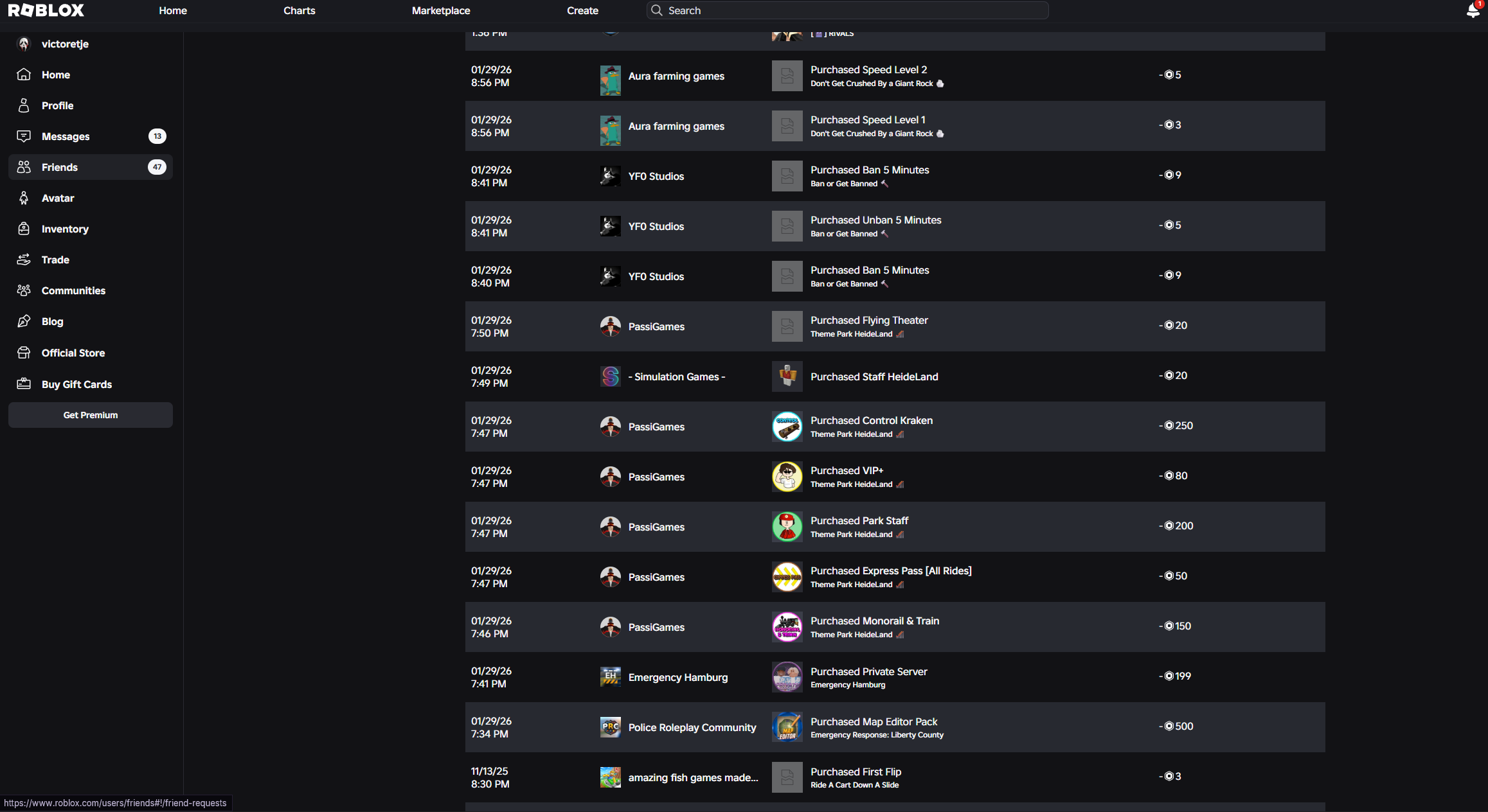
Robux order delivered fast with a clean support experience.
Verified reviewChoose from games, subscriptions, Robux, FiveM tools, and bundles. Add your picks to the cart, then checkout with a tracked PayPal Order ID.
Start with the shelf you need, then use the catalog filters for the exact product.
Choose from trusted digital drops. Use the arrows to browse the shelf, or open the full products page.
The proof images open in a new tab so customers can inspect the screenshots directly.
Robux order delivered fast with a clean support experience.
Verified review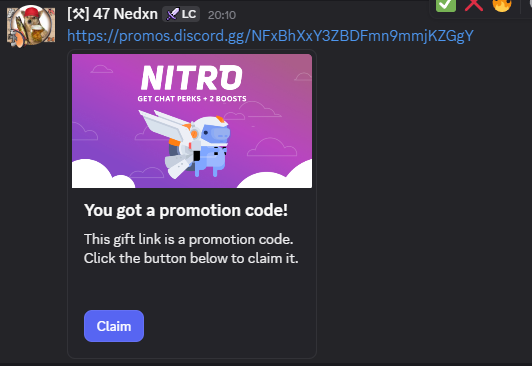
Discord Nitro order at a strong price with quick delivery.
Verified review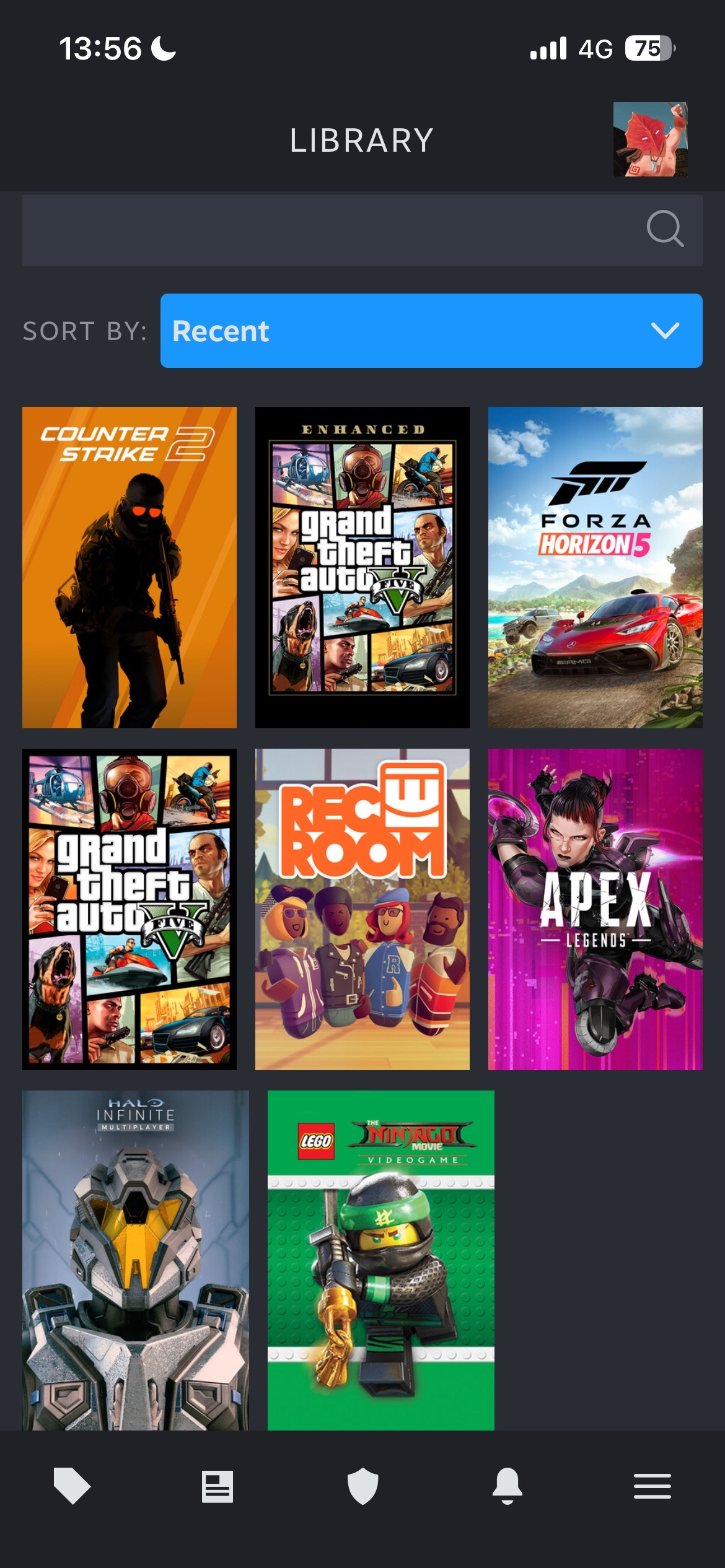
Forza Horizon 5 order confirmed and working after purchase.
Verified reviewUse PayPal checkout to create an Order ID. After payment confirmation, paste the delivery code into a Discord ticket.
Use the shown payment option with the exact order total. Staff confirms the Order ID, then you get a delivery code for the Discord ticket.
Everything important before you place an order.
Add products to the cart, click Pay With PayPal, and pay with the shown Order ID. After confirmation, you get a delivery code for Discord.
PayPal, Swedbank, SEB, and Luminor are shown as payment options. Use the exact amount and include the generated Order ID in the payment note.
Delivery depends on staff confirmation. The PayPal flow auto-checks every 20 seconds, and Discord support can help if anything takes longer.
Yes. Your cart and currency choice are saved in this browser so you can return without rebuilding the order.
The product card still works, and the cart can still add the product. Replace the asset file anytime without changing the product data.
After payment is confirmed, paste the delivery code into your Discord ticket so staff can finish the order.
Digital item.
Paste this delivery code in your Discord ticket to receive your product.
Open Discord1. Customer pays with the exact amount and Order ID.
2. Staff checks PayPal and matches that Order ID.
3. After confirmation, you receive a delivery code to paste in a Discord ticket.
Waiting for PayPal payment and staff confirmation.
Payment not being confirmed? Please create a ticket in our Discord.